Get access token
https://cnapi.ttlock.com/oauth2/token
Cloud APIs grant access by OAuth 2.0 's Resource Owner Password grant type,you have to request with username and password,all the cloud apis should be requested with access token.
Note:access token returned will expire in seconds of expires_in(Default validity of 90 days),request with expired access token will get 10004 error code,you should get a new token with this API, or Refresh the access token.
1 Request example
POST, ContentType:application/x-www-form-urlencoded
curl --location -g --request POST 'https://cnapi.ttlock.com/oauth2/token' \
--header 'Content-Type: application/x-www-form-urlencoded' \
--data-urlencode 'clientId=xxxxxxxxxxxxxxxxxxxxxxxxxxxxxxxx' \
--data-urlencode 'clientSecret=xxxxxxxxxxxxxxxxxxxxxxxxxxxxxxxx' \
--data-urlencode 'username=+8618966498228' \
--data-urlencode 'password=e10adc3949ba59abbe56e057f20f883e'
2 Request parameters
| Name | Type | Required | Description |
|---|---|---|---|
| clientId | String | Y | clientId from Create application |
| clientSecret | String | Y | clientSecret from Create application |
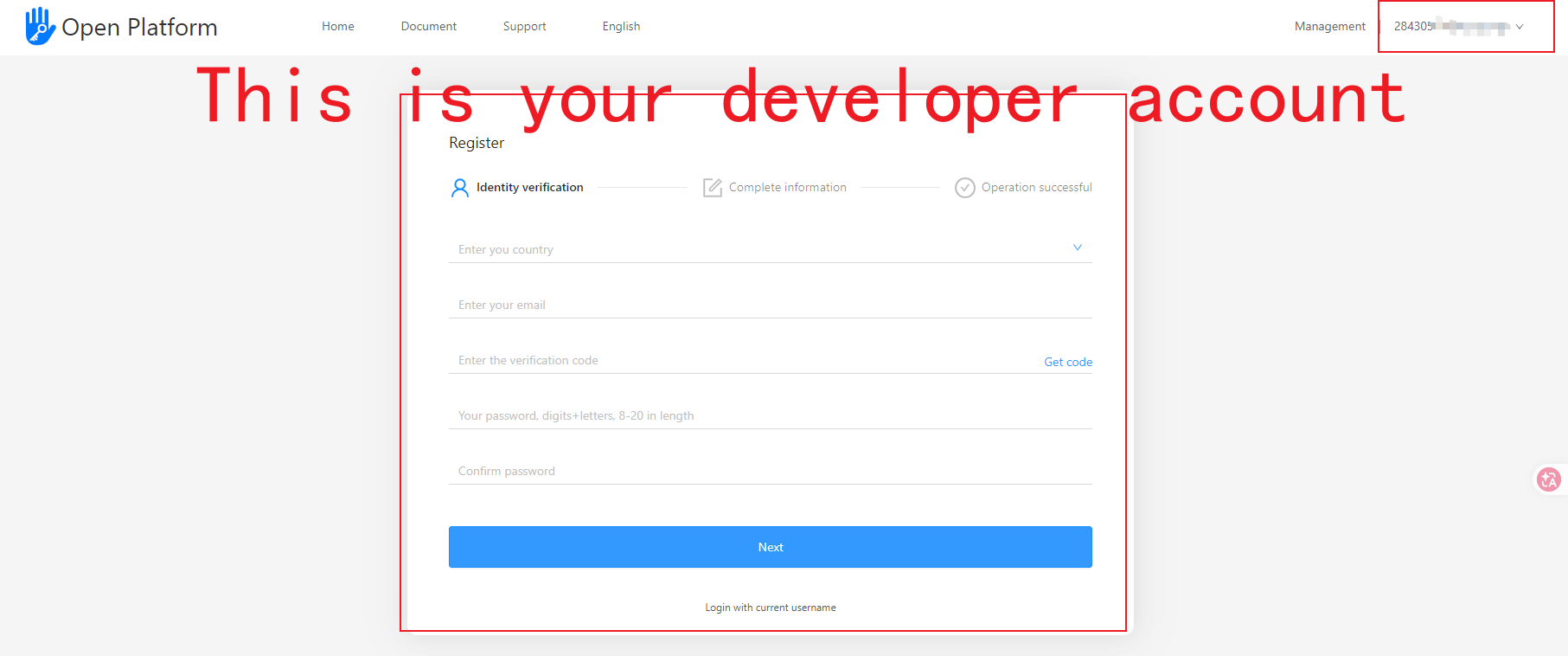
| username | String | Y | username you used to login ttlock APP or TTLock APP,or The prefixed username return by cloud api: User register. Notice:please do not use your open platform's developer account. |
| password | String | Y | Password(32 chars, low case, md5 encrypted) |
Note: The username and password here are the account of the TTLock app. You need to download the TTLock app and register. please do not use your open platform's developer account.
3 Response and example
| Name | Type | Request parameters |
|---|---|---|
| access_token | String | Access token |
| uid | Int | User id |
| expires_in | Int | Expire time of access token, default validity of 90 days, in second. |
| refresh_token | String | Refresh token |
{
    "access_token": "39caac89b0b51c980aa61ad4264b693b",
    "uid": 2340,
    "refresh_token": "1bd2a21a7df889630f444364813738d7",
    "expires_in": 7776000,
}
Error code 10007,"errmsg":"invalid account or invalid password"
Please verify that you are using a TTlock app account. Note: Do not use a developer account.
Please check whether you can log in to the TTlock app using your account credentials.
Verify that the encrypted MD5 value is correct.